< CustomInput /> .

Developer's Guide
Usage

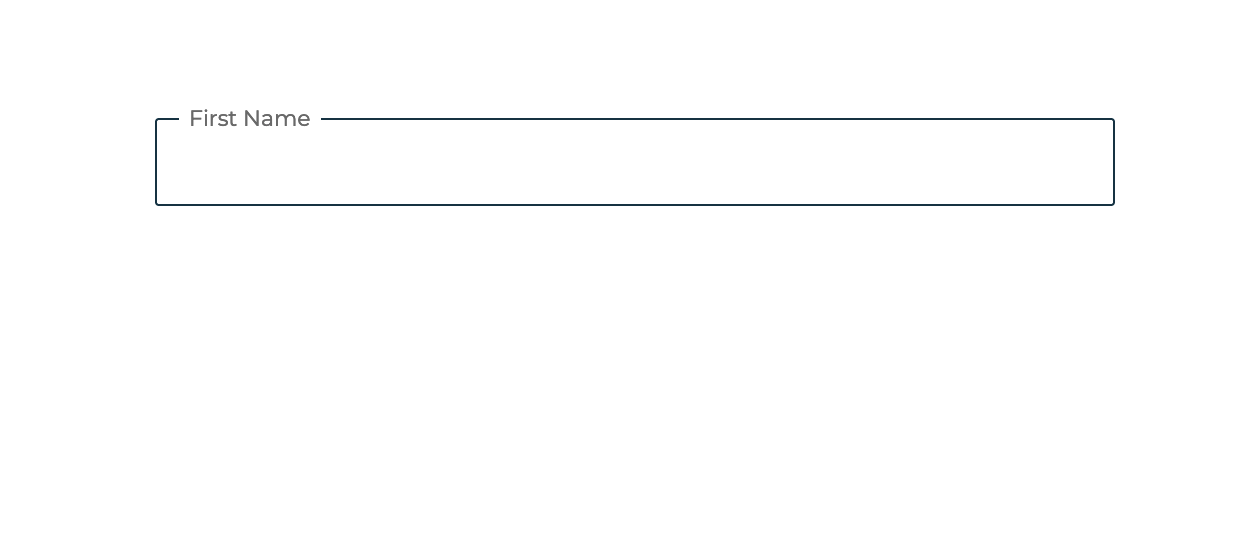
Regular:

Name

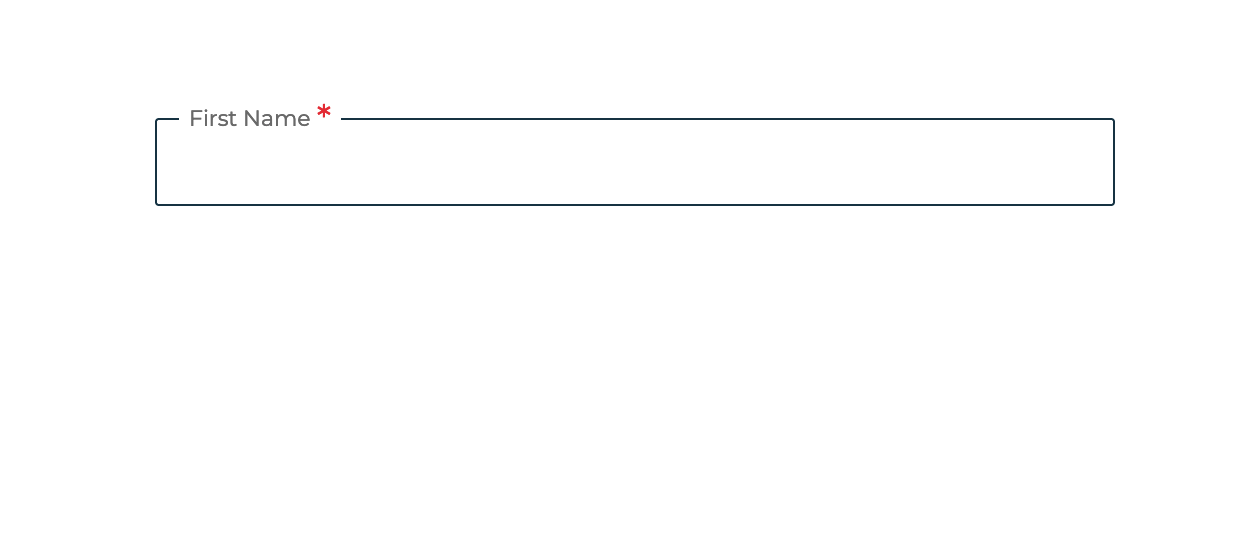
Required:

Name *

Initial value should be passed with Form tag:

Name *

Disabled / Non-editable

Name *
you cannot edit this

Basic input

Basic usage of custom input

Show code

Validates e-mail:

Email

Numeric iput only:

No of Houses *

Validated

Validated usage of regular text feild.

Show code

Regular:

Option

Initial value set:

Option

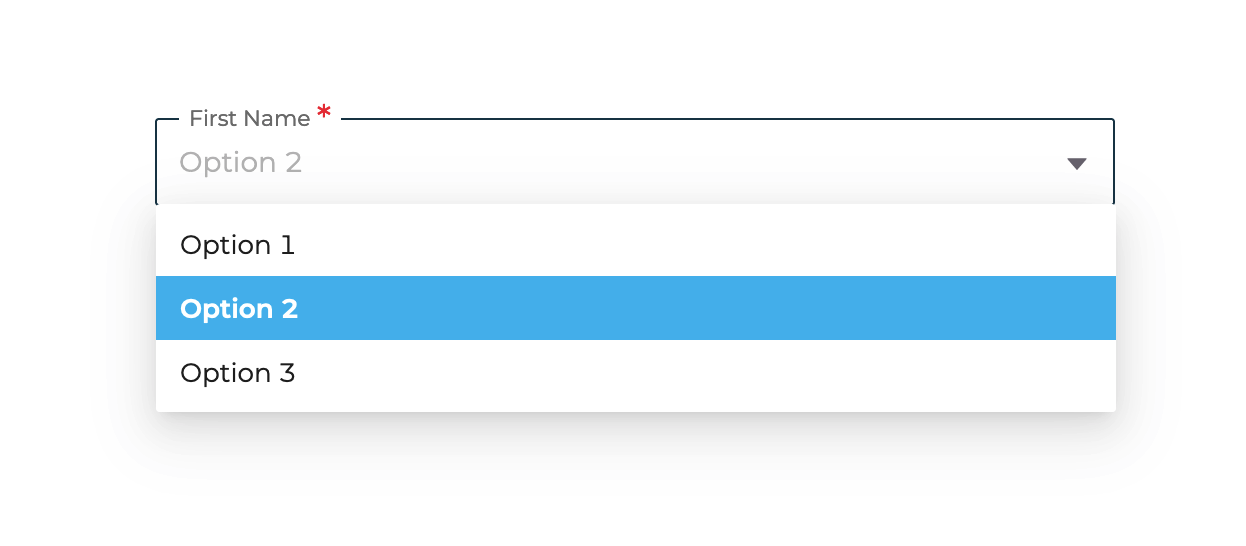
Dropdown selector

For selecting an option out of multiple options. by default, all dropdowns have been set to be searchable.

Show code

Regular:

country *

with balance / wallet usage:

Wallet *

Flagged dropdowns

Dropdown selector displayed with corresponding flags

Show code

Regular:

Date

Initial value set:

Date

Disables dates below 18 years:

Date

Disables future dates

Date

Disable desired date

Date

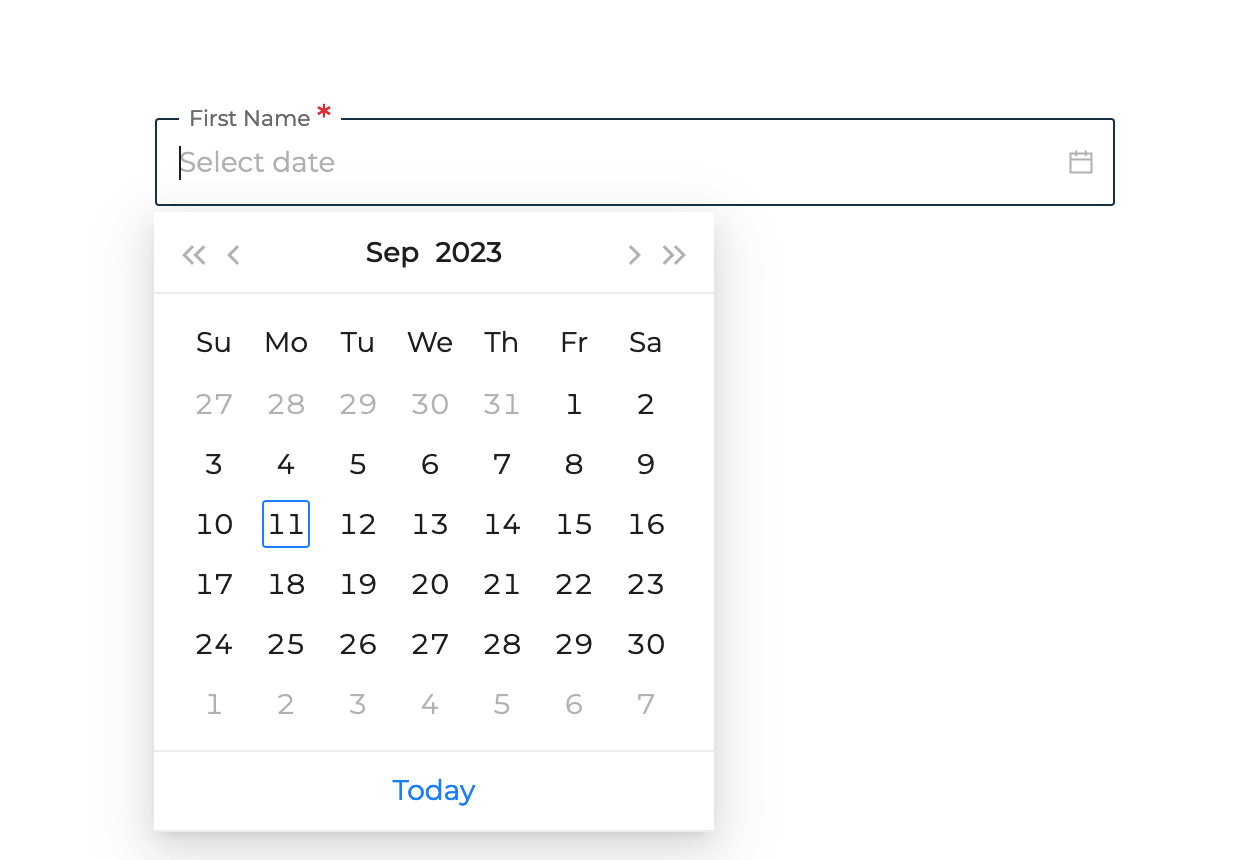
Date picker

Used to select a date from calendar.

please note that the initial value for date must be converted into a moment format

Show code

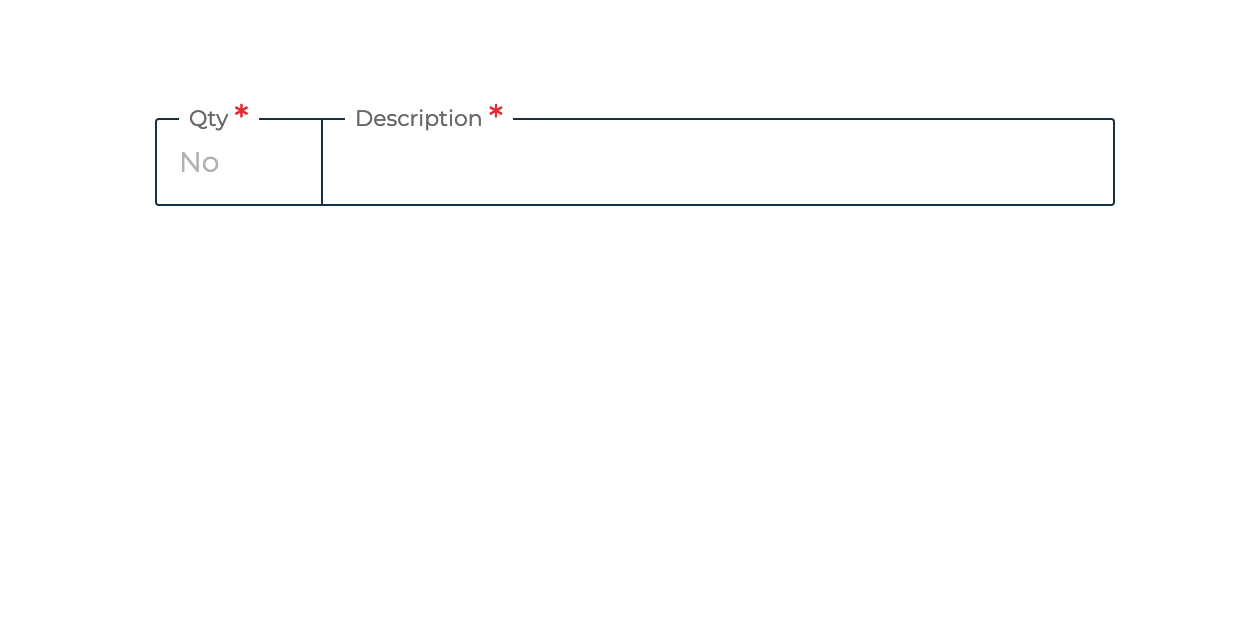
Two labels:

No
Street

One label and two placeholders:

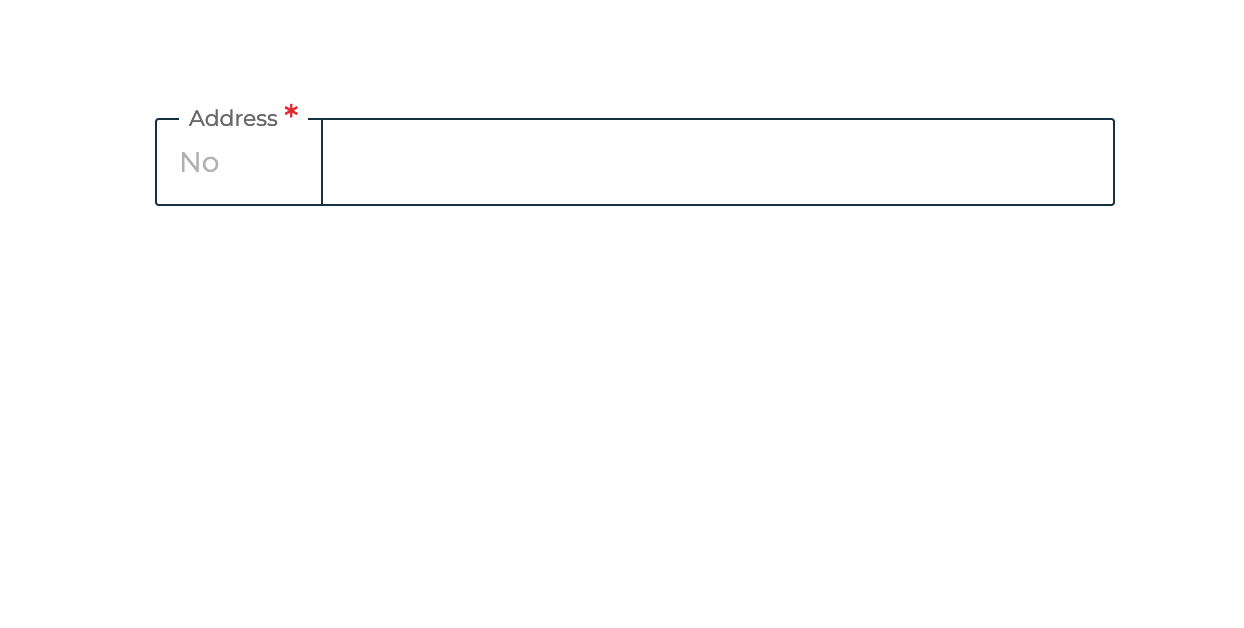
Address *

with Initial values:

Address *

Space compacted

use for addresses.

Show code

Regular

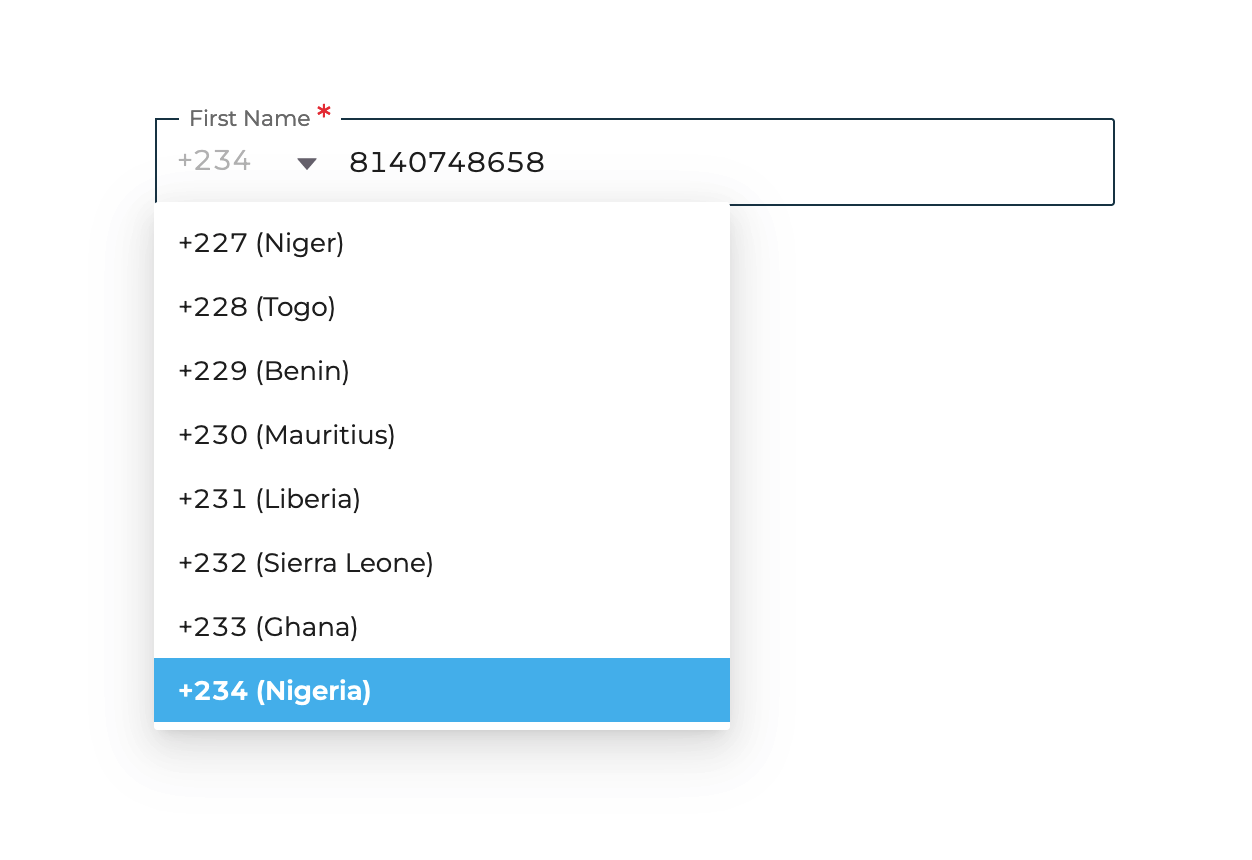
Mobile number

with initial value

Mobile number

Phone Number

usage of custom input for phone numbers

Show code

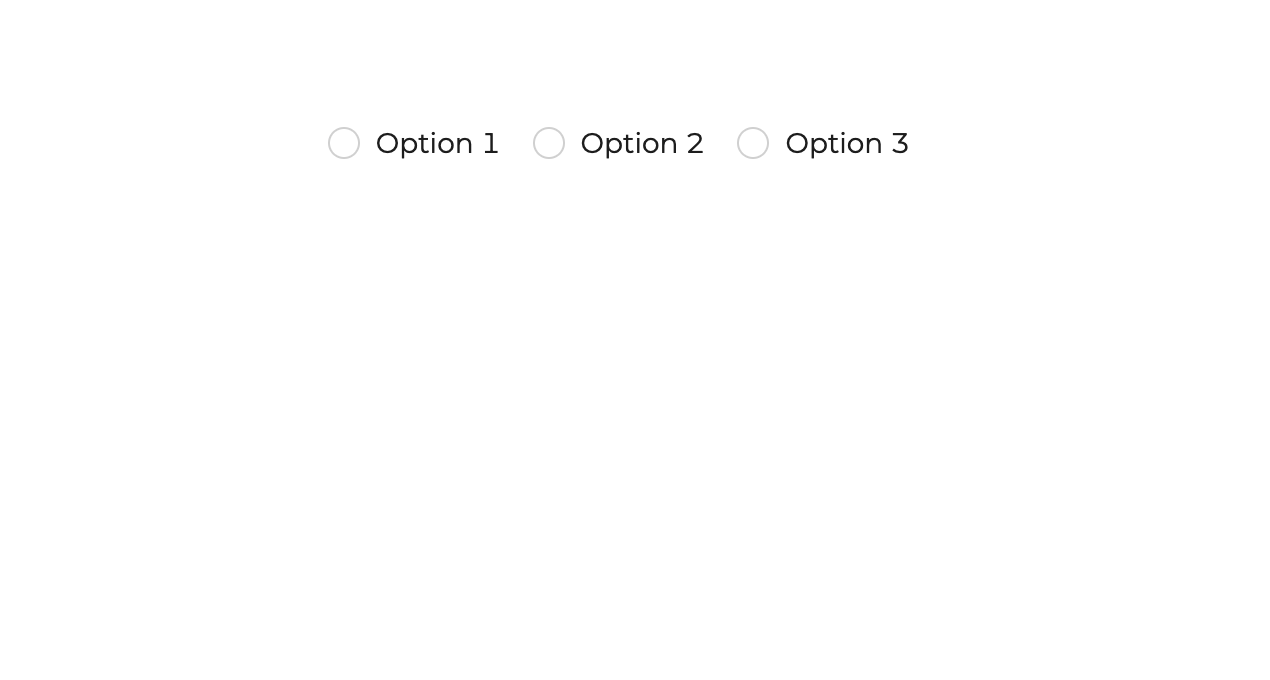
Regular Radio:

Initial value set:

Radio buttons

For selecting an option out of multiple options. by default, all dropdowns have been set to be searchable.

Show code

Regular:

Name
This is an informative subtitle

with info icon inverted:

Are you IDP *
What is IDP

subtitle with an onClick function and styling:

Business type *
Change

Disabled / Non-editable but with unique text

State *
Select a country first

Subtitled

Adding subtitles just below your custom input

Show code